
Debt Hunt Controls
Bind movement, interact, and carry before sunset — the wolf does not wait for a settings menu.
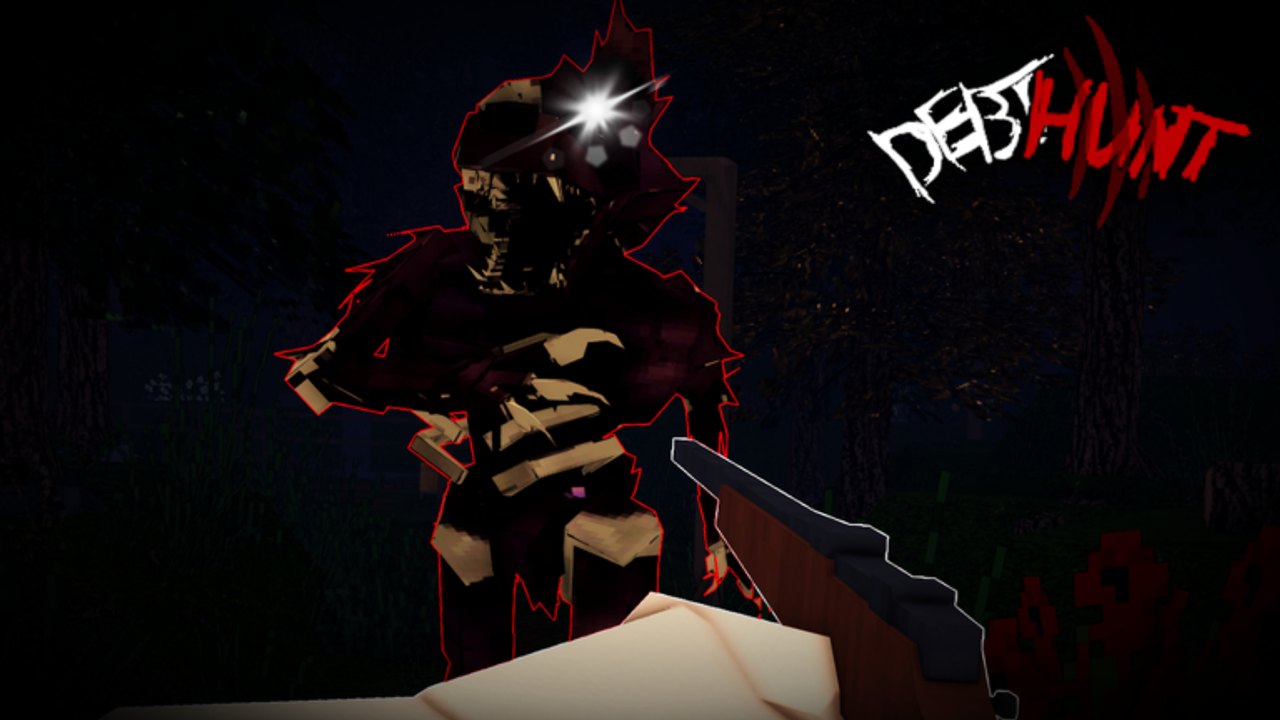
Debt Hunt uses standard Roblox R15 movement with extra contract actions: interact with boxes and nodes, fire a first-person weapon, use a camera, and carry a wounded teammate. The studio has not published a full keycard, so this page maps Roblox defaults plus the actions official media and badges require. Rebind anything your hands cannot hit while sprinting. Then go back to Getting Started or how to play.
PC defaults (Roblox baseline)
| Action | Default | Contract note |
|---|---|---|
| Move | WASD | Strafe while aiming; do not hold W into the wolf |
| Camera look | Mouse | First-person stills are the combat view |
| Jump | Space | Bad for night skylines; you silhouette yourself |
| Sprint | Shift | Slow and Steady is a no-sprint win, not a recommendation |
| Interact / pick up | E or click | Boxes, ores, treasures, Gems, doors |
| Attack / fire | Left mouse | Official gun stills; ammo is not infinite |
| Aim / zoom | Right mouse | Use before you dump a magazine into trees |
| Camera tool | Number key / hotbar | Master Photographer needs 1000 shots — keep it hotbarred |
| Drop / throw | G (common Roblox) | Do not drop a Gem in a panic |
| Crouch | C or Ctrl | Interiors at night |
| Carry teammate | Interact on downed player | Overview art shows a two-person carry |
If a bind does nothing, you are in the Update 1 lobby, a menu, or a tutorial lock. Close the menu. Controls in a match are worthless if you never queued — finish onboarding first.
Mobile / tablet
Roblox on-screen stick + jump is enough to walk into a tree. Before your first Easy contract:
- Enable dynamic thumbstick and raise sensitivity until you can track a teammate.
- Put Interact on a large custom button. Boxes are the quota.
- Put Sprint where your thumb will not mash jump.
- Move fire off the exact same cluster as interact or you will shoot supply lids.
- Use a two-thumb carry: one holds move, the other taps interact on the body.
Mobile players should prefer solo runs or a patient co-op squad. Last Man Standing is easier when nobody can tap carry.
Actions people forget
Photography. The camera is not Roblox’s privacy camera. It is an in-round tool with a badge. Put it on a key you can hit without opening the full hotbar. Shoot highlighted subjects; do not photograph dirt.
Mining and breaking. Ores and planks are hold-interact or melee-on-prop. If your pick animation never starts, you are on the wrong tool. Loadout swaps belong in loadouts.
Carry. Walk into the downed teammate and interact. You move slower. Sprint only in short bursts. Dump them inside the rally from survive sunset, not in the open timber.
DarkMarket UI. That is a menu. Tab or the shop prompt. You cannot aim while it is open. Do not open it at sunset.
Settings that matter more than skins
- Shift lock (PC): useful for kiting, deadly if you forget it is on and strafe into a wall.
- Graphics: lower shadows at night so you can see the eye gleam. Pretty trees are how you miss a carry.
- Volume: mining and footsteps matter more than music.
- Performance: a 50-player server can hitch. Frame spikes during a hunt are deaths.
Practice drill (five minutes in Easy)
- Open two boxes without firing.
- Take five camera shots.
- Break one plank gate.
- Sprint 20 meters, stop, listen.
- If a friend is in the server, carry them ten meters and drop in cover.
If you cannot do that in daylight, you will not do it at sunset. Return to the guides hub for the rest of the loop, and keep a run checklist on a second monitor so binds stay out of the argument.
Frequently Asked Questions
Quick answers to the most common Debt Hunt questions.
What is the interact key?
Roblox default is usually E or tap. Rebind it large on mobile. Boxes and carries both use it — see co-op.
Can I rebind sprint?
Yes, in Roblox settings. Slow and Steady proves sprint is optional, but most squads still want it for survive sunset.
How do I use the camera?
Equip the in-round camera tool from the hotbar and shoot highlighted subjects. It feeds pay off the debt.
Why can’t I move in the lobby?
You may still be in the Update 1 tutorial lock. Finish it via Getting Started.